An idea is only a prompt. The post becomes useful when you add one detail from your own work.
Group ideas by the problem they answer, so each post serves a reader you can name.
Use the customer questions you already receive as the richest source of ideas.
Keep a short list of ideas you have tested and the replies each one produced.
Writing an X post is easy when the idea is clear and hard when the feed is empty. A SaaS or a small business often runs out of ideas after the launch, and the account goes quiet. The problem is rarely a lack of ideas. It is that the ideas are too general to write from. "Share a tip" is an idea, but it does not tell you what the tip is, who it is for or what detail makes it yours.
This article gives a list of post ideas grouped by the problem each one answers. Each idea is a prompt, not a finished post. The list is built for a SaaS or a small business that sells to a narrow buyer. It also shows how to turn each prompt into a post with one detail and one question, and how to keep the list alive as the business changes.
Startwiththequestionsyoualreadyreceive
The best source of post ideas is the inbox. Every question a customer asks is a problem your readers have, and often the same question comes back from several people. Keep a list of those questions for two weeks. You will usually find between five and ten recurring ones.
Each recurring question becomes a post. The question is the hook, your answer is the detail, and a question back to the reader is the invitation to reply. A customer who asks how long setup takes has given you a post about the first hour of use, with one number from your own onboarding.
The question your customer asked this week is a reliable post idea.
A founder in an r/startups thread asked the same kind of question: "What do you post about if you're on the business side?" One reply named topics, such as marketing or build in public. Others suggested selling the product or were jokes. The topic is the start of an idea, and the customer's question is the rest.
Search and hashtags can add to the inbox. X's help page on hashtags says a hashtag is used "to index keywords or topics on X," and clicking a hashtagged word shows other posts that include it (X Help Center: How to use hashtags). Advanced search filters posts by words, people, places and dates when you are logged in (X Help Center: Advanced search), so you can see how your niche phrases a problem before you write the idea down.
A phrase that comes back in many replies is a repeated problem, so it goes to the top of the list.
Ideasgroupedbyproblem
The ideas below are grouped by the problem they answer, so each post can serve a reader you can name. Use them as prompts. Each one needs a detail from your own work before it is a post.
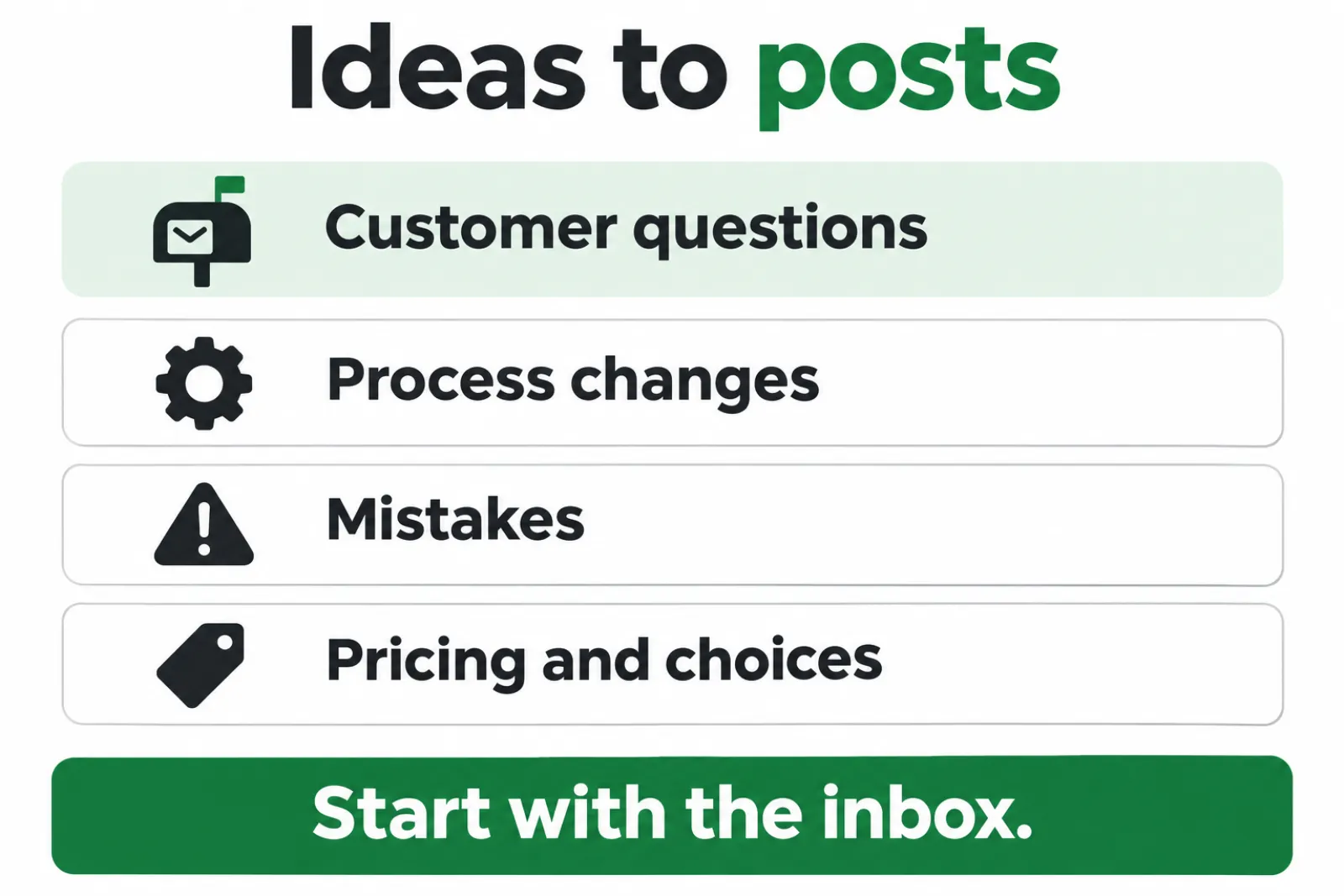
Customer questions
The three questions customers ask in their first week, and what you answer each time.
The question you used to answer by email that you now answer in the product, and why.
A question a prospect asked that made you change how you describe the product.
Process changes
One step you removed from onboarding, and what happened to the drop-off.
A process you automated by hand first, and the one step you still do yourself.
A change to your support reply that cut the time to answer.
Mistakes
A mistake that cost a customer time, and the change you made so it does not happen again.
A decision you reversed within a month, and what told you to reverse it.
A feature you built that nobody used, and the signal you missed before building it.
Pricing and choices
Two pricing options you tested, and which one produced fewer questions.
A choice between two tools your team uses, and the reason you kept one.
A trade-off you made on purpose, such as speed over depth, and what it cost.
Results
One number you tracked for a month, what it showed and what you did with it.
A result that surprised you, with the sample size, so readers can judge it.
A comparison of two channels for the same customer, measured the same way.
Ideasbyproblem,withthedetaileachoneneeds
Problem
Exampleidea
Thedetailthatmakesityours
Customerquestions
Thefirst-weekquestioncustomersask
Yourownanswerandthenumberbehindit
Processchanges
Astepremovedfromonboarding
Thedrop-offbeforeandafter
Mistakes
Adecisionreversedwithinamonth
Thesignalthattoldyoutoreverse
Pricingandchoices
Twopricingoptionstested
Whichoptionproducedfewerquestions
Results
Onenumbertrackedforamonth
Samplesizeandwhatyoudidnext
Turnoneideaintoapost
Take one idea from the list and run it through four steps. Name the problem in the customer's words. Add the detail from your own work, with a number, a choice or a mistake. Say what you would try next, marked as your view. End with one question the reader can answer from their own case.
Here is a made-up example. The idea is the first-week question. The problem is that new users do not know where to start. The detail is a first-week drop-off that fell after a checklist went onto the dashboard. The post could say: "Most new users asked the same thing in their first week: where do I start? A three-step checklist on the dashboard is one answer. The first-week drop-off fell in one small sample. What does your first screen show?" The post is short, specific and invites a real answer.
Name the problem in the customer's words. Copy the question from your inbox.
Add one detail. A number, a change or a mistake from your work.
Mark your view. One sentence, clearly yours.
Ask one question. About the reader's own case.
Recordthereplies
Record the replies for each post you publish. After a few months, the list will show which problems start conversations for your buyer. Those problems move to the top, and the ideas that produced silence get rewritten or dropped. For a deeper method on pillars, see X content strategy around audience problems.
Wheretheadvicedisagrees
Some advice says a small business should post product updates every week. Some says product updates are noise and the account should talk about the industry. I think updates are worth posting when they answer a question a customer asked, and not otherwise. An update that starts from a customer question is a post. An update that starts from the release calendar is an announcement.
There is also a disagreement about whether to share lessons from the industry. Industry posts can reach a wider audience, and they may start fewer conversations with buyers. Test the ratio in the log. A starting point to test is one industry post for every four customer-problem posts, judged by the replies rather than by the reach.
Commonmistakes
Using generic ideas as finished posts. "Share a tip" is a prompt, not a post.
Writing for everyone. A post for every business type gets skimmed by all of them.
Announcing without answering. A feature announcement with no customer question behind it rarely starts a reply.
Keeping too long a list. A list of fifty ideas stops being a plan and becomes a backlog you never read.
Never checking the replies. Without a record, you cannot tell which ideas work for your buyer.
Turningalistintoaweeklyhabit
A list of ideas only helps if you open it on a schedule. Pick one time each week, for example Friday after the last customer call, and spend twenty minutes on three steps. First, copy the new customer questions from the inbox into the list, with the date. Second, choose three ideas from the list, one for each pillar, and mark the detail from your own work that each one needs. Third, write one line for each idea that names the reply you want to see.
Keep the list short enough to read in one sitting. When the list grows past fifteen ideas, retire the ones with no replies in the log, and move the best ones to the top. A short list that you use every week beats a long list you never open, and the log tells you which ideas have earned a place.
At the end of the month, read the replies to the posts you wrote from the list. Mark the ideas that started a conversation, and write the detail that made the difference. Over three months, those marks become a clear picture of what your buyers want to talk about, and they make the next list easier to write.
An idea that needs a long explanation should be a thread or a long post, and an idea that needs one point should fit in 280 characters. Write the idea in the shorter form first. If it fails at 280, ask whether the extra length adds a detail a customer needs, or only background that a reply could supply.
Ideasforateamoftwo
A small team often has one person writing and one person answering customers. The ideas list has to fit that split. The writer should pull ideas from the answering teammate's notes once a week, rather than inventing them. The answering teammate should flag any question that came up three times, because a repeated question is the strongest idea the business will get.
Agree on one owner for the list, and one rule for what goes on it: a customer question, a process change or a result with a number. Anything else waits. That rule keeps the list short and makes each idea easy to check against the log later, because each one has a source.
A post in an r/startup thread asked what founders publish on X for their startup. The poster wanted "to see yall development posts and your progress for your startup," which is a request for examples. Examples help, but the list that follows should still start from a reader's problem.
HowtoapplythisinPostMine
PostMine helps you keep the list, schedule the posts and read the replies. The idea and the decision to post are yours.
Queue schedules the posts you wrote, in List or Calendar view, and publishes each one at the time you schedule it. Publish opens a review, and you confirm with Slide to publish.
My Replies lists the replies you sent and how each one performs, so the list can be updated from real results.
Analytics shows account trends, with account overview CSV import for past days and a daily export.
We use cookies for product analytics to improve PostMine. With your consent we also record session replays, including the content you type and view, such as draft posts (passwords excluded), so we can see how the product is used and fix what breaks. Privacy Policy




 Yerkebulan RakhimovNov 9, 202610 min read