The native analytics shows what followers did with your posts. It does not show who they are.
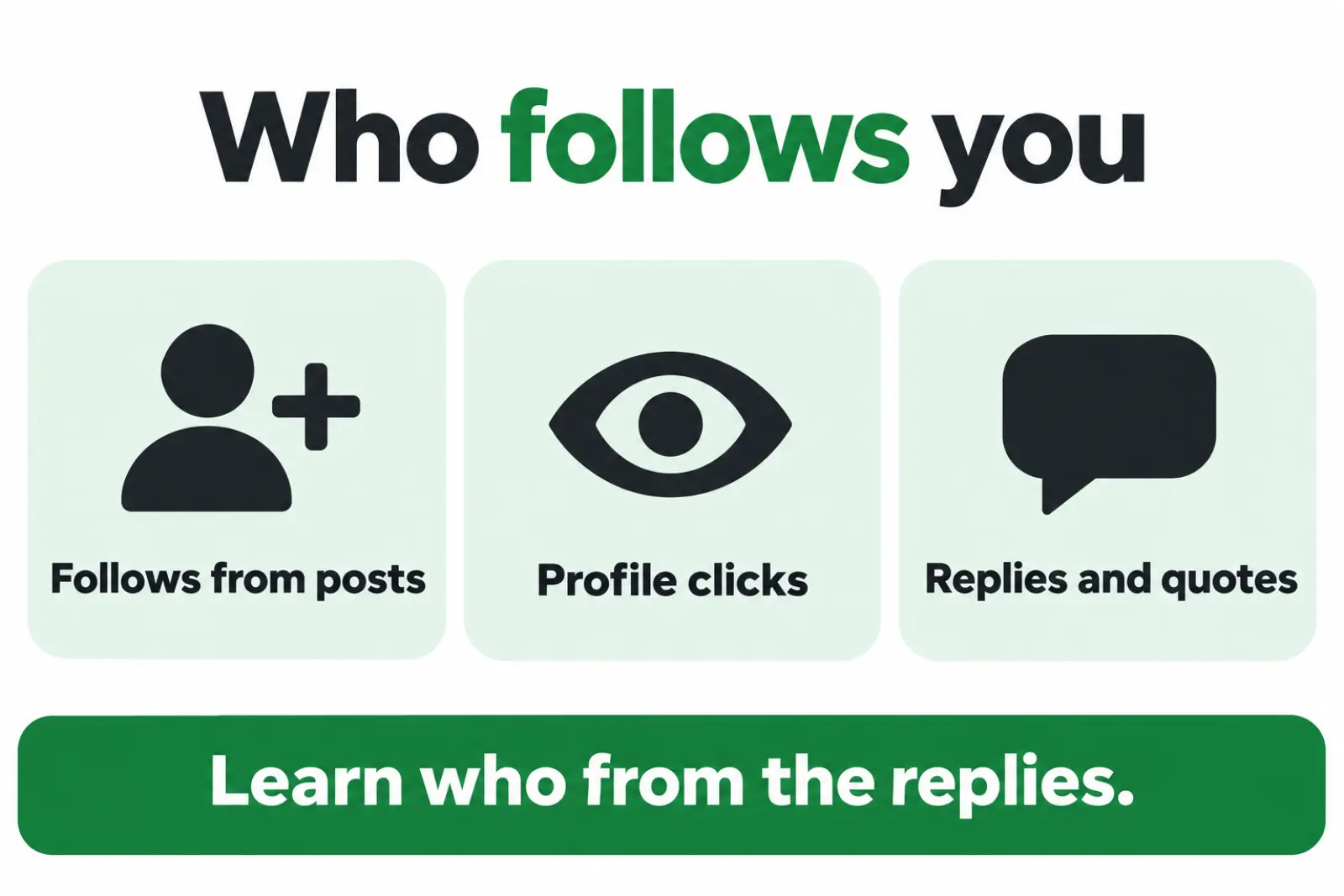
Read follows from posts, profile clicks and replies as three signals about the audience, and keep each one separate.
Learn the audience from the replies and quote posts you receive, not from a demographic guess.
Write down what you cannot see, so a missing answer does not turn into a made-up one.
You may want to know who your followers are. You picture a clear person: a designer in a particular city, a developer who ships on weekends, a founder with a fixed budget. The native analytics does not give you that picture. It gives you the actions readers took, and it leaves the people behind the actions unnamed.
That is a limit, but it is also a useful constraint. If you accept it, you stop guessing and start reading the signals that do exist. This article explains what X's native numbers can tell you about followers, what they cannot, and how to build a picture of the audience from what you can see.
Whatthenativenumbersshow
X's Post Activity Dashboard reports, for each post, the impressions, the engagements and the follows that began from the post. X defines follows as the total number of times someone began following you directly from your post (X Business Help: Post and Video Activity Dashboards). It also reports clicks such as profile clicks, as part of the engagements.
These numbers tell you what readers did. They do not tell you who the readers are. The dashboard does not list the accounts behind the follows. X's marketing page describes audience insights with demographics, and the account page at x.com/i/account_analytics says it helps you "understand your audience", but on 2026-11-09 it asked for an upgrade. I could not confirm that your account has the insights, so I do not describe a breakdown here.
Threesignals,readseparately
The audience picture comes from three signals, and each one answers a different question. Keep them apart, because the mix-up between them is where most wrong conclusions start.
Follows show intent to keep reading. Profile clicks show curiosity about the author. Replies show the conversation that actually happened. A post can have many profile clicks and few follows, which says the readers were interested but not yet convinced. A post can have follows and no replies, which says the readers liked the post and did not want to talk. Each pattern suggests a different next post.
Themethod:learntheaudiencefromitsreplies
The most reliable way I know to learn who follows you is to read who replies to you. Replies carry the context that numbers lack. A reply tells you the person's job, their problem or their point of view, in their own words. Over a month, the replies from the same kind of person are the closest thing to an audience profile that X gives you.
Collect the replies for four weeks. Use your replies and mentions on X, and copy the accounts that answered more than once.
Read their profiles. Note what they write about, not how many followers they have. A profile is a signal of interest, so read it for the topic.
Group the replies by topic. Two or three groups usually cover most of the conversation. Count how many posts each group came from.
Match the groups to the posts with the most follows. If the same group answers the posts that gained follows, you have a working picture of the audience.
Write one sentence per group. Say who they are and what they want from your posts. That sentence is the test for the next post.
This method is slow, and it is a judgment, not a measurement. It tells you who is engaging, and it can be wrong when a single large account sends a crowd of people for one day. Re-run it every month, and watch whether the groups change.
Whatthenativenumberscannottellyou
Four questions are outside the native numbers. Write them down as open, rather than answering them with a guess.
Demographics. Location, age and job are not in the native pages I could read.
Ratios of followers to engagers. The dashboard reports actions, not the share of the audience that acts.
Who unfollowed. The native dashboard is not a list of unfollows in the sources I checked.
Which followers buy. A follow is not a purchase, and the native numbers do not connect the two.
When a question is open, the honest answer is "I do not know yet, and this is how I would find out." That is more useful than a confident profile built from a guess.
Commonmistakes
Treating followers and engagers as one group. Check the two groups separately, because they often overlap less than people assume.
Targeting by follower count. A large account is not a better audience than a small one, and the follower count says little about who reads.
Guessing demographics. A guess becomes a plan, and the plan is built on nothing.
Reading one month of replies as the audience. One viral thread changes who answers you for a week.
Forgetting the posts. The audience reflects what you posted, so a change in posts changes the audience too.
Works
Reads of replies in people's own words
Three signals kept apart
A monthly re-run of the same method
Open questions written down as open
Avoid
A demographic breakdown made up from a guess
Follows read as purchases
One viral thread read as the audience
A follower count read as quality
Wherethisleadsnext
Knowing the audience is the input to the next post, so the audience picture should change what you write. The engagement metrics article explains how each kind of reply, repost and like tells you something different, and how to audit follower quality covers whether the people who follow you are the ones your goal needs.
WhatX'saudienceinsightssaysitcovers
This article says the native analytics does not show who your followers are, and I still think that is true of the Post Activity Dashboard. X's marketing page describes a separate audience insights dashboard, and it says that dashboard includes insights about "the general X audience, your followers, and the people who have engaged with your posts", including demographics, interests, lifestyle and purchase behaviors (X Marketing: Measure results). The page says that data is drawn from user-supplied data, app-supplied data, X internal models and partner-generated data.
That is a different claim from the one in the post dashboard, and it changes the advice. If audience insights is available on your account, a demographic picture of your followers is a real option, and you should read it before you rely on the replies method below. I could not open that dashboard in the pages I checked, and the marketing page does not say which accounts can use it or whether it is free, so verify access on your own account first. Until then I treat the demographic breakdown as X's claim, not as something I have seen.
The same page is also useful for a second reason. It describes the audience as a group of people who engage with your posts, and the engagers and the followers are named as separate groups. Read those two groups separately, because a follower who never engages is not the same reader as one who replies every week.
Whateachreadingcanandcannotshow
Each of the three signals in the table answers one question, and X's pages give each one a different scope. The Post Activity Dashboard reports follows that began from a post, and it reports profile clicks for each post (X Business Help: Post and Video Activity Dashboards). Those are post-level counts, so they say which posts brought the readers, not who the readers are.
The X Help Center's view counts page says a view counts logged-in users, on any surface, and that views are not unique (X Help Center: View counts). That matters for the audience picture because a view count can rise from the same reader returning, so it should not be read as a list of new people. The engagers and the replies are the closer measure of who is paying attention.
Video views add one more limit. Media Studio is a Premium-tier feature (X Help Center: Premium), and view counts count logged-in views only (X Help Center: View counts). A video audience read should therefore be built from the replies and profile clicks on the video post, not from the view count alone.
X's replies and mentions page says you join conversations by replying to others and by mentioning them (X Help Center: About replies and mentions), and its conversations page explains who can reply to a post (X Help Center: About conversations). That makes replies the closest thing to a reader list you can read by hand, which is why the monthly routine reads them first.
When two views of the same metric disagree, write down which one you used and why, so the next month's read is comparable. That rule is mine, not an X rule.
Amonthlyroutinefortheaudiencepicture
The audience picture changes slowly, so it should be read on a fixed rhythm. I run the same four steps each month, and each one takes one sitting. First, I open the Post Activity Dashboard and export the posts older than 36 hours, then I note the follows and profile clicks for each post (X Business Help: Post and Video Activity Dashboards). Second, I read the replies I received on the top posts for each of those signals and group them by topic.
Third, I check whether X's audience insights view is available on my account. X's marketing page describes it as covering followers and people who engaged with posts, with demographics and interests (X Marketing: Measure results). If it is open to me, I record the top categories beside my own groups. If it is not, I record that fact, so no one later assumes the view was checked. Fourth, I write one sentence for each reader group that the month's posts reached, and I compare the sentence with last month's.
The routine works because the sentences are the output, not the numbers. A group that appears in the sentences for three months in a row is a stable part of the audience, and a group that appears once is a question to test, not a finding. PostMine's Analytics page holds the daily trend if you want to see whether a month's shift was sudden or gradual (PostMine quickstart).
WherePostMinefits
PostMine's Feeds, under Engage, builds feeds from up to five keywords or from people lists, and My Replies, under Engage, lists the replies you sent and how each one performs (PostMine quickstart). Those views help you find and track the conversations that teach you about the audience. PostMine does not provide follower demographics, and this article does not claim it does.
The routine works best when each reading has a date. Write down the window you read, the export date, and whether the account page or the dashboard gave the number. A follower count from the account page and a follows-from-posts count from the dashboard are different measures, and mixing them in one row produces a trend that no single page supports. X's December 2024 analytics update, quoted in @ZachWarunek's post, added a follows-over-time widget to the account analytics, so a longer follower trend may already be on your account. Check it there, and keep your own weekly note as the fallback.
X's marketing page describes audience insights with demographics for your followers, but I could not confirm that every account has it. Treat a demographic claim as unverified until you see it on your own account.
The dashboard reports the number of follows that came from a post. It does not list the accounts. You learn who they are by reading the replies, quote posts and profiles that engage with that post.
Not always. Engagers are people who interacted with a post. Followers are people who chose to follow your account. Some followers never engage, and some engagers never follow.
Use the profile as a signal of interest, not as a fixed target. A profile tells you what someone writes about, and that is enough to decide whether a reply is worth your time.
We use cookies for product analytics to improve PostMine. With your consent we also record session replays, including the content you type and view, such as draft posts (passwords excluded), so we can see how the product is used and fix what breaks. Privacy Policy




 Yerkebulan RakhimovNov 9, 20269 min read