X counts every click and action on a post as an engagement, so the total mixes very different reader behavior.
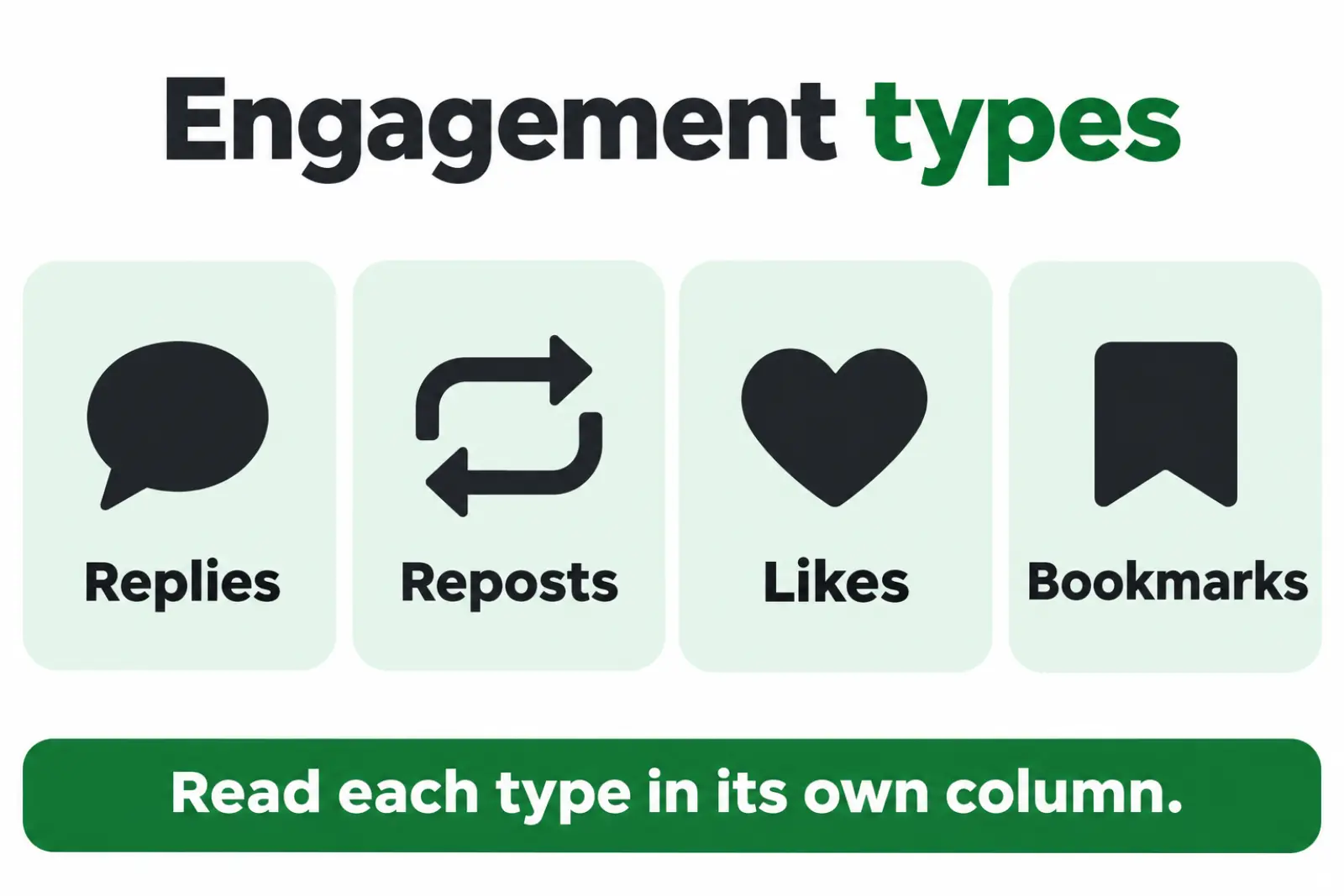
Replies carry the most context, reposts show spread, likes are a light reflex, and bookmarks are a private save that the native totals may not separate.
Read the types separately, and never add them into one number and call it quality.
Check the dashboard on your own account for which types it lists, because the public definitions do not list every type by name.
On X, an engagement is any click or action on a post, and the total you see in analytics adds all of them together. A like, a reply, a repost and a click on the photo all become one number. That total is useful for comparing posts of the same format, and it is misleading when you read it as a measure of quality. Each engagement type says something different about the reader.
This article separates the types, explains what each one tells you, and shows how to read them without adding them up. It starts from X's own definition of engagements and states where the native numbers do not name a type.
WhatXcountsasanengagement
X's Post Activity Dashboard defines engagements as the total number of times someone interacted with a post, and its definition covers clicks anywhere on the post, including reposts, replies, follows, likes and links (X Business Help: Post and Video Activity Dashboards). The December 2024 analytics update that X Subscriptions pointed to added an engagements tile (@ZachWarunek's update).
So the total is broad. It includes clicks on the username and the photo, clicks on the post's expansion, and clicks on links. Some of those are interest, and some are curiosity about the author, and the total does not separate them.
The dashboard also lists separate actions for a post. Brandwatch, a third-party vendor, says X (Twitter) Analytics includes clicks in its engagements metric, while its own Measure product does not, so an engagement total from another tool can differ for a reason that has nothing to do with the post (Brandwatch: X content metrics). The same note says X's engagements also count engagements on replies and reposts of the original, which it says can dramatically inflate totals.
Thefourtypesandwhateachonetellsyou
Each type answers a different question about the reader. The table below gives the short reading I use for each one. The last column is the common trap.
Replies carry the most context, because a reply has words in it. Read the first few replies to each post, and note whether they add a point or only agree. A post with many replies that add a point is a conversation, and a post with many replies that say the same thing is a pile-on.
Reposts show spread. A repost puts the post in front of another audience, and the quality of that audience decides what the repost is worth. A repost from an account that fits your goal is a strong signal. A repost from an account that is mocking the post is a warning, even though it counts toward the total.
Likes are the lightest signal. A like is quick, and it can be a reflex. It still counts, so a post with many likes and few replies is a post people enjoyed reading and did not want to answer.
Bookmarks are a private save. A bookmark says the reader wanted to keep the post. I did not confirm from the X pages I could open how bookmarks appear in the native dashboard, so check whether your dashboard shows them as a separate number before you use one. If it does not, a bookmark count is not something you can read from the native view.
Readthetypesseparately
The most common error is to add the types into one number and call it engagement quality. The sum hides the mix, and the mix is the information. A post with 40 likes and 2 replies behaves differently from a post with 10 likes and 20 replies, even when both totals are 42 and 30 respectively.
So read each type as its own row. Keep the replies, reposts, likes and the total in separate columns, and compare each column with the same format. The total is useful for seeing whether a post was above the median, and the types are useful for seeing why.
Record the engagement total and any separate type the dashboard shows, one column each.
Read the replies by hand for the top three posts by replies, and label each reply as adds a point, agrees, or other.
Check the reposts for the account that reposted, using its topic and role, not its size.
Write one line per post on the mix: which type led, and whether the lead matches your goal.
Usethemixtodecidethenextpost
The mix tells you what to change. A post that led with replies that added a point is a conversation shape, and the next post should invite a specific answer. A post that led with likes and few replies is a reaction shape, and the next post can add a question that asks for a position. A post that led with reposts is a spread shape, and the next post should name the point clearly enough to be repeated.
This is a judgment, and it is the reason the mix matters more than the total. It is also the reason a one-week read is not enough. Check the mix across four weeks before you change the format.
Commonmistakes
Adding the types into one number. The mix is the information.
Counting replies without reading them. A reply count can be a pile-on.
Reading a repost as agreement. A repost can be a warning.
Assuming bookmarks are in the native total. Check your dashboard first.
Optimizing for one type. The posts change shape in ways you did not plan.
Works
Each type in its own column
Replies read by hand for their content
Reposts read by the account that reposted
The mix read beside the goal
Avoid
One total read as quality
Replies counted without reading
A repost read as agreement only
One type optimized alone
Aworkedexample,labelledasanillustration
The example below is made up and does not come from any account. A founder has two posts with the same total of 50 engagements. Post A has 35 likes, 5 replies, 6 reposts and 4 other clicks. Post B has 10 likes, 25 replies, 3 reposts and 12 other clicks. The totals match, but the reading is different. Post A is a reaction, and post B is a conversation. The founder keeps the question at the end of post B and repeats it, and treats post A as a good example of a shape readers like without answering.
Whatthedashboard'sdefinitionscover
X's pages describe replies and reposts only in outline. X's help page on replies and mentions says you can join conversations by replying to others and by mentioning them in your own posts (X Help Center: About replies and mentions). The dashboard definition lists reposts as one engagement type and does not split a plain repost from a repost with comment.
Those points carry three consequences for reading the mix. A post's reply count is the replies to that post, so record which post each reply belongs to. A repost forwards your post to the reposter's audience, so its reach depends on those people. A repost with comment carries the reader's own opinion, so keep it apart from a plain repost in your notes.
The dashboard's engagement definition is broad enough that the total can hide the mix. Each type answers a different question, so keep the columns apart.
Bookmarks are the gap. X's bookmarks help page says bookmarks are private and only viewable to you within your account (X Help Center: Bookmarks). The dashboard definitions I could read do not name bookmarks as an engagement type, so treat a bookmark count as something to verify on your own dashboard, and do not fold it into the total unless the dashboard shows it as its own number.
A third-party vendor, Brandwatch, lists "Saves (bookmarked)" as a metric for X with no caveat (Brandwatch: X content metrics). X's own pages I could open do not confirm that, so verify it on your own dashboard first.
Wheretheengagementtotalcomesfrom
The total is a dashboard number, and the dashboard definition is the place to start. X's Post Activity Dashboard defines engagements as the total number of times someone interacted with a post (X Business Help: Post and Video Activity Dashboards), and its definition lists the clicks and actions that the total includes.
The caution that matters most for the mix is a third-party one. Brandwatch, a third-party vendor, says X's analytics includes clicks in both the engagements figure and the engagement rate, so an engagement total from another tool can look different for a reason that has nothing to do with the post (Brandwatch: X content metrics). If you use the mix in a sheet, take every type from the same tool.
The marketing page uses the same four verbs for the post activity dashboard: readers "seen, reposted, liked, and replied" to a post (X Marketing: Measure results). Its summary is shorter than the dashboard's engagement definition, so keep the click types visible in the mix rather than trusting the summary.
Replyandrepostdefinitionsinpractice
Replies and reposts are the two types whose definitions do the most work in the mix. X's help page on replies and mentions says you can join conversations by replying to others and by mentioning them (X Help Center: About replies and mentions). A post's reply count is the replies to that post, so the reply column should record which post each reply belongs to.
For your own posts, the repost count is the number of times a reader chose to forward them. A repost with comment adds the reader's own words, so where your tool allows it, keep the two kinds in separate columns.
The reason to read the mix before the total is that a reply that answers you and a repost with a sharp comment can both count as engagements while carrying opposite messages about the post. The total cannot show that difference, so the sheet should keep the columns apart. PostMine's My Replies view lists the replies you sent, which lets you read the reply column for your own account (PostMine quickstart).
WherePostMinefits
PostMine's My Replies, under Engage, lists the replies you sent and how each one performs (PostMine quickstart). That view helps when the replies are your own, and the reply-by-reply reading above is the step that makes the view useful. PostMine's Analytics shows your account's trends, so the mix can be read as a trend.
Read the four types together with the time window they came from. The dashboard reports engagements for a post once its numbers stabilize, and X says its systems can take up to 36 hours to do that (X Business Help: Post and Video Activity Dashboards). A reply or repost that arrives later changes the mix, so compare posts at the same age, and write the export date next to each sheet.
In most cases a reply carries more context, because it shows a reader took a position. A like is a reflex, but it still counts toward the engagement total.
The dashboard defines engagements as clicks anywhere on the post, including reposts, replies, likes and follows. The X pages I could open do not say how bookmarks are counted, so check your own dashboard before you rely on a bookmark number.
A repost shows that a reader wanted their own audience to see the post. It is a spread signal, and it is only a quality signal when the reposts come from people who fit your goal.
Pick the type that matches your goal, and read it alongside the others. Optimizing for one type alone usually changes the shape of the posts in ways you did not plan.
We use cookies for product analytics to improve PostMine. With your consent we also record session replays, including the content you type and view, such as draft posts (passwords excluded), so we can see how the product is used and fix what breaks. Privacy Policy




 Yerkebulan RakhimovNov 9, 202611 min read